Tiny Daily Steps to Lock Down Your Smartphone
Shorter Auto-Lock, Fewer Peeks
Hide Sensitive Previews
Strengthen Authentication Habits
Passcode Hygiene That Actually Sticks
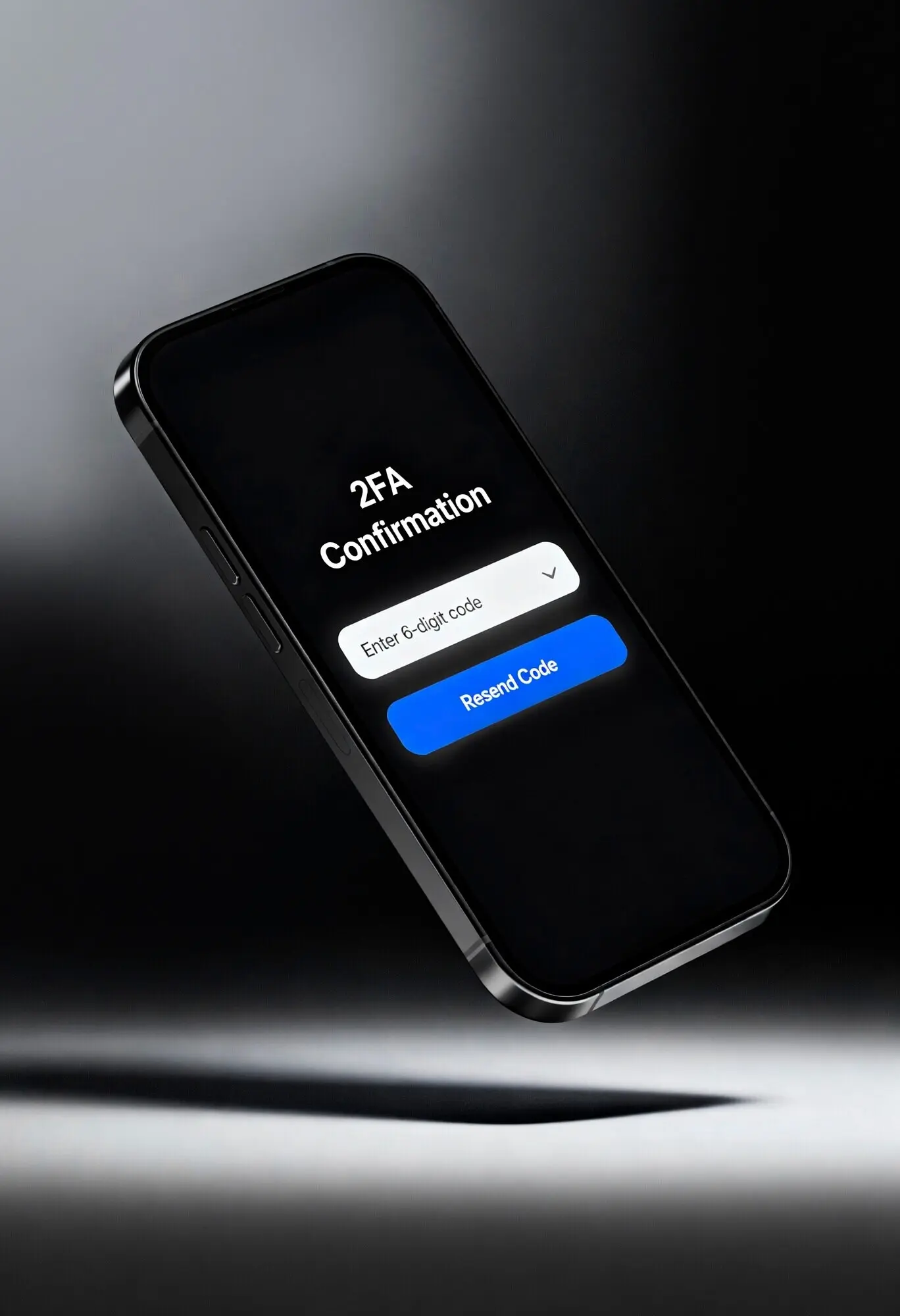
Two-Factor Where It Counts
Password Manager Micro-Ritual

Permission Review In One Minute
Open your privacy dashboard and scan location, camera, microphone, and contacts. Revoke anything you do not recognize or no longer need. Grant access “while using” instead of “always,” and prefer one-time permission for rare tasks. This quick weekly tour keeps unnecessary data silos from forming and blocks dormant apps from quietly tracking behavior you never intended to share.
Location Only When Needed
Navigation apps deserve location while in use; most others do not. Choose “Allow Once” or “While Using,” and disable background tracking unless a clear benefit exists. Check for geofencing and Bluetooth scanning settings that persist in the background. Reducing ambient location access improves battery life, minimizes profiling, and lowers the blast radius if an app or service is breached without your knowledge.
Quiet Mode For Cleaner Focus
Silence unnecessary notifications or move them into scheduled summaries. Social alerts, promotional emails, and random pings increase the odds of tapping malicious links in a hurry. By curating who can interrupt you—and when—you regain attention, notice suspicious messages more easily, and build a calmer environment where security decisions feel deliberate, not rushed or reactive during stressful moments.
Update Windows You Won’t Ignore
Automatic Cloud Backups
Audit Old Devices and Sessions
Stay Update-Ready and Backup-Safe
Browse, Connect, and Charge More Carefully
Safer Public Wi‑Fi In Three Moves
Bluetooth And NFC On Demand
Use A USB Data Blocker
Find My And Device Locator Setup
Lockdown Contacts And Alerts
Remote Wipe Rehearsal